Sunglass Canva Frame Template: A Designer's Guide
What Exactly Is This Sunglass Frame Template?
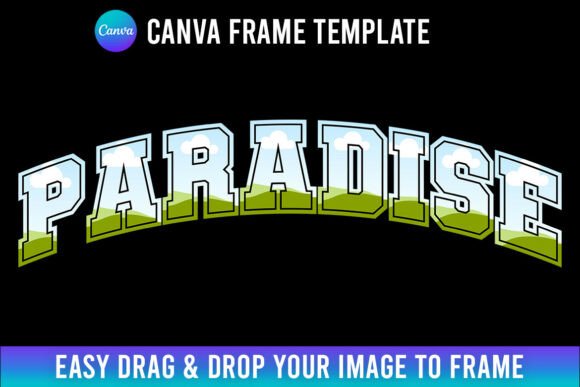
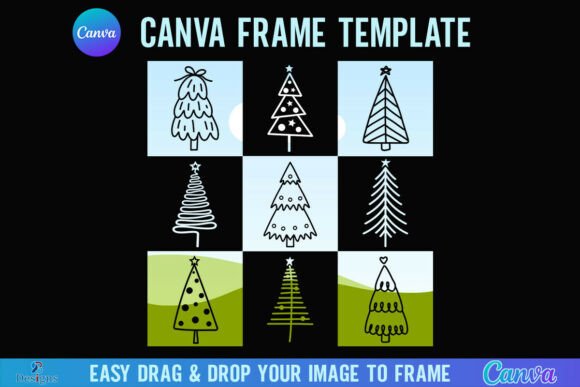
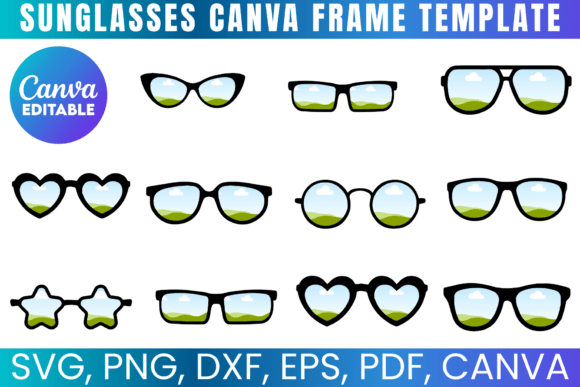
Imagine having a perfectly shaped pair of sunglasses ready to drop into any design project. That's what the Sunglass Canva Frame Template delivers. It's a vector-based design asset that gives you a crisp, editable outline of classic sunglass frames. The template comes as a complete package: SVG and DXF files for cutting machines, a PNG with a transparent background for layering, a PDF for print-ready projects, and most importantly, a direct Canva link for instant editing.
The visual style is clean and contemporary. These aren't hyper-realistic, detailed illustrations. They're stylized, graphic shapes that lean into modern typography and branding aesthetics. The frames have a balanced weight—not too thin, not too bold—making them versatile enough for both social media graphics and packaging design. They project a fun, approachable personality without sacrificing professionalism. Think of them as a creative font for your visual layout: they set a tone immediately. Whether you choose a classic aviator shape or a trendy round frame, the template provides a strong foundation that you can customize to match any brand identity.
Where This Template Shines: Real-World Applications
The true value of the Sunglass Canva Frame Template is its flexibility across different projects and industries. For logo design, the frames can be integrated into a brand mark for a fashion boutique, a summer festival, or a tech company with a playful vibe. The vector files ensure the logo scales perfectly from a tiny favicon to a large banner.
In editorial design and publishing, these frames are perfect for creating eye-catching section headers in a magazine layout or a blog post. Use them to frame a pull quote or highlight a featured product in a lookbook. For web design, they can serve as interactive elements, custom bullet points, or part of a header graphic that immediately communicates a lifestyle or season. The transparent PNG makes layering over images or colored backgrounds effortless.
Small business owners and crafters will find endless uses. The SVG and DXF compatibility means you can cut these frames from vinyl for custom decals, etch them onto glassware, or create stencil art. Use the Canva template to quickly mock up a design for a t-shirt, a tote bag, or a custom phone case before you commit to production. The template essentially acts as a premium font for your product line, providing a consistent visual element that builds recognition.
Integrating the Template into Your Design Workflow
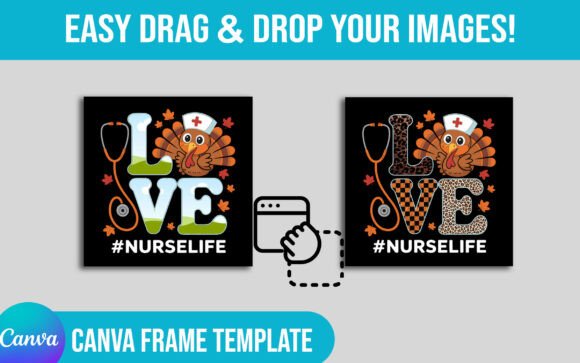
Working with the Sunglass Canva Frame Template is intentionally straightforward, especially through the Canva link. You don't need to be a seasoned graphic designer. The drag-and-drop functionality lets you resize, recolor, and position the frames in seconds. This simplicity is a huge advantage for marketers and content creators who need to produce consistent visuals quickly across multiple platforms.
From a design perspective, consider how the frames influence your visual hierarchy. A large, bold sunglass frame naturally draws the eye, making it an excellent container for a key message or a call-to-action. Pair it with a clean sans serif font for modern appeal, or a script font for a more whimsical, personal touch. The template's neutral style allows it to support rather than compete with your typography.
When evaluating if this asset fits your project, think about your audience and the message. It's ideal for brands targeting adults 20-50 with interests in fashion, travel, lifestyle, or entertainment. It might be less suitable for formal, corporate financial reports, but perfect for the annual summer sale campaign of that same corporation. Test different pairings: place the frames over photography, solid color blocks, or textured backgrounds. The included file types mean you can take your finalized design from Canva into more advanced software like Photoshop or Illustrator for final polish if needed.
Remember, this is a digital asset for your toolkit. The license allows you to create physical products for sale, which opens up direct revenue opportunities. However, respecting the license means you cannot resell the digital files themselves. Use it to enhance your design assets library, speed up your creative process, and add a polished, professional touch to your work that engages your audience and strengthens your brand's visual consistency.